Digital marketers and content creators know that the success of any online campaign often hinges on the small details of how content appears across the web. When a landing page link is shared across social media channels or sent via text message, platforms automatically generate a preview—usually consisting of a headline, an image, and a short text description. Historically, managing these elements required manual configuration, custom image resizing, and technical coding tags.
According to an update published by Sean Tinney on October 14, 2026, AWeber is streamlining this process. Every landing page published through the company’s AI Landing Page Builder will now automatically feature a custom social share image and optimized preview text, removing the friction of manual optimization and helping creators secure higher engagement rates.
The core problem facing digital marketers is visual relevance. A blank box, an incorrectly cropped graphic, or an irrelevant image on a social preview is frequently ignored by users scrolling through their feeds. Conversely, a preview that accurately reflects the core content of a landing page provides an immediate, compelling reason for a user to click through.
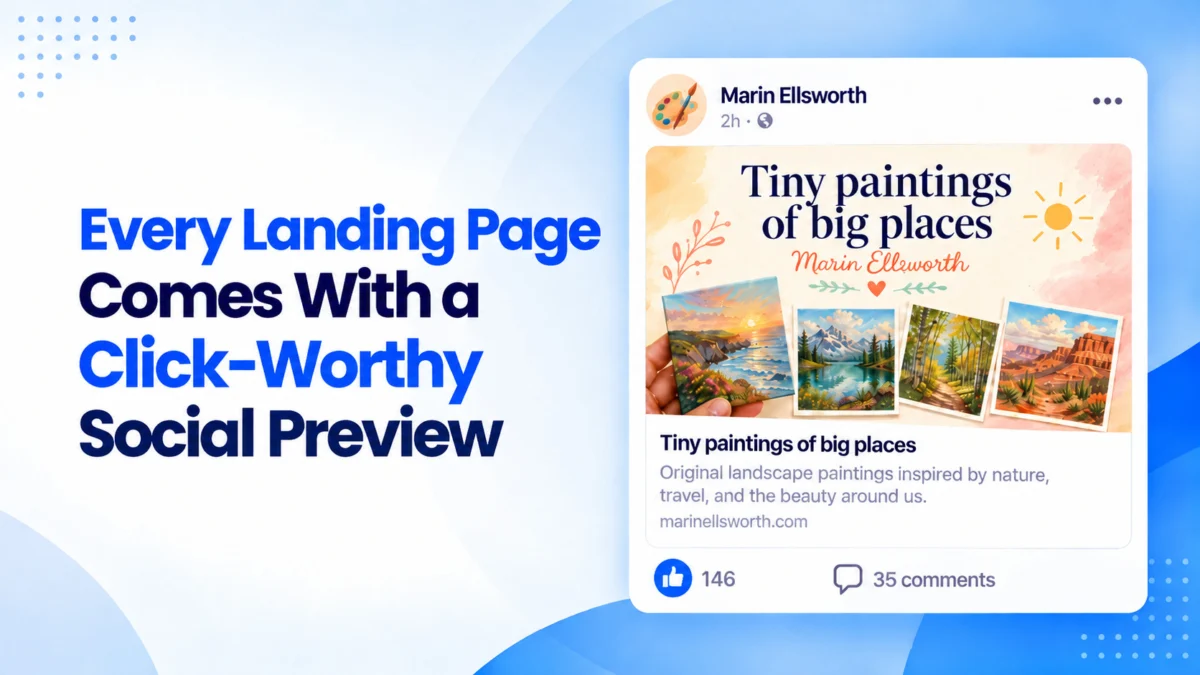
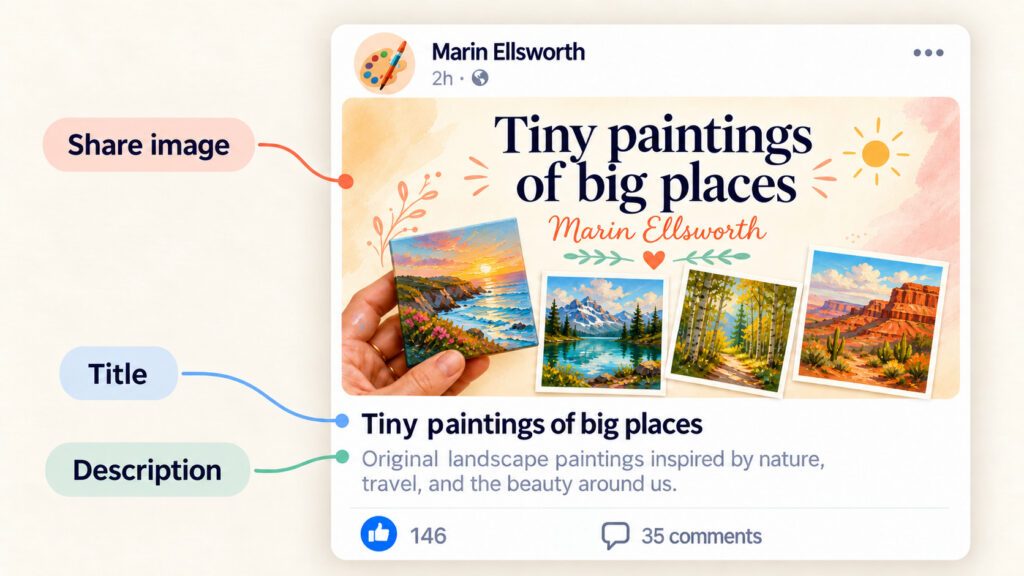
Under the updated system, the AI Landing Page Builder handles this visual presentation without requiring user intervention. Every newly published page automatically generates a dedicated 1600-by-832-pixel image derived directly from the page’s headline, primary offer, and established color palette. This specific dimension is meticulously calibrated to meet the display requirements of major platforms, including Facebook, LinkedIn, X, and iMessage, ensuring that the graphic renders in full without awkward cropping or distortion.
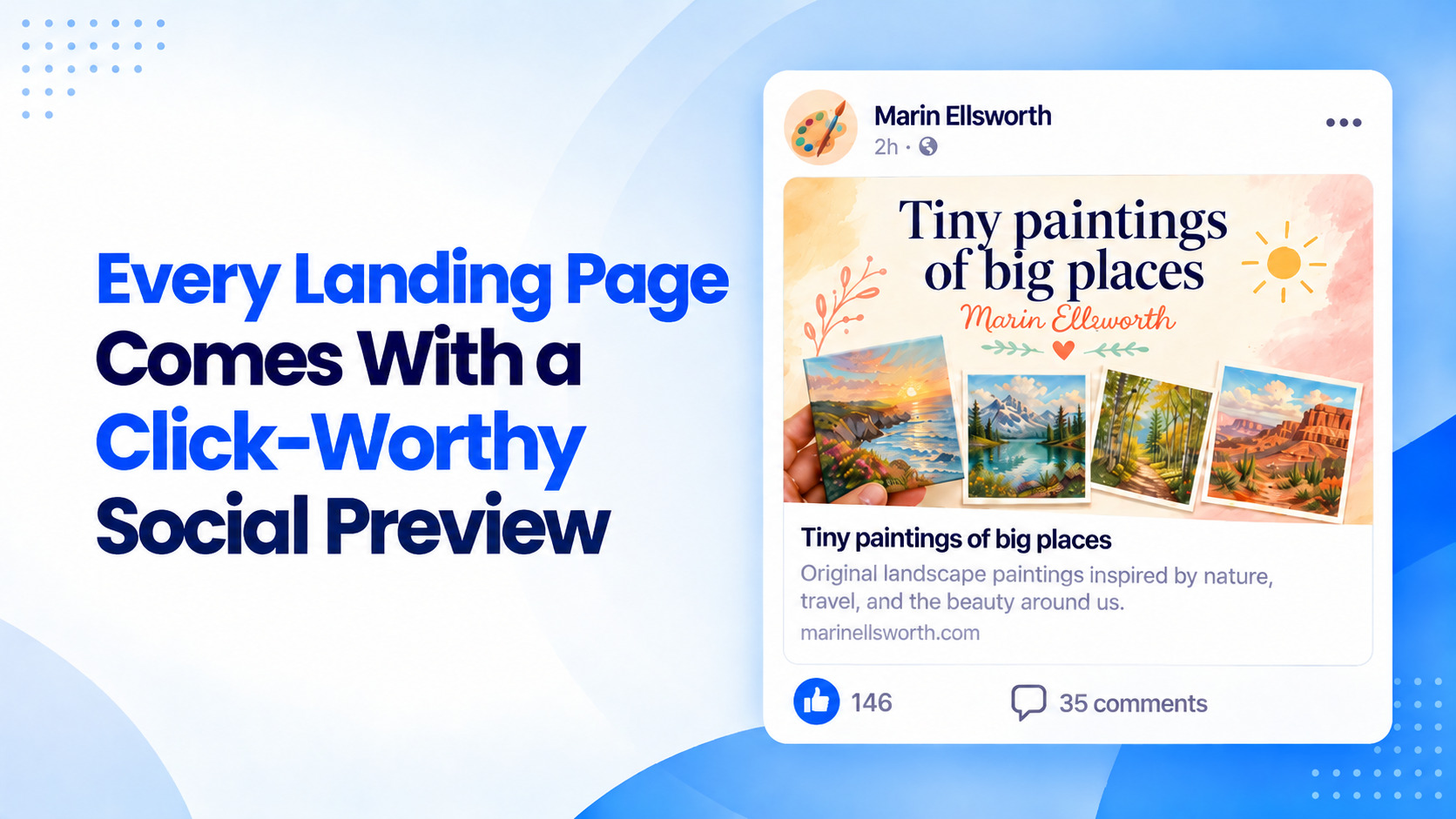
In addition to visual assets, the system automatically curates the accompanying text elements. The page title is derived directly from the primary headlines within the page’s content, serving as the initial hook that readers encounter before deciding to engage. Meanwhile, the preview description is formulated as a concise, one-to-two-sentence summary pulled straight from the existing body text. Because these words are extracted directly from the page itself, the preview maintains strict contextual consistency, ensuring that visitors find exactly what was promised once they arrive at the destination URL.
Reviewing these automated previews prior to publication has also been integrated into the conversational workflow of the AI builder. Users can interact directly with the platform’s chat interface, simply asking to see what the social share preview looks like. The builder then surfaces the designated share image, title, and description for final inspection. Once the page is published, creators can test the live functionality by pasting the URL into platforms like Facebook, LinkedIn, X, Slack, or directly into an email message, where the optimized preview renders immediately.
For creators who wish to make adjustments, the system maintains its conversational editing model. Whether a publisher wants to execute a minor text tweak or an entire page redesign, modifications can be requested directly through the chat interface. Once the builder applies the changes, the user simply republishes the page to push the updates live.
To clarify common technical questions surrounding the update, AWeber addressed several core concepts related to link sharing and metadata. The standardized 1600-by-832-pixel format ensures cross-platform compatibility without automated cropping. Furthermore, the system automatically manages Open Graph images—the underlying code tags that social networks read to determine which graphic to display when a URL is shared. Without these tags set correctly, platforms often resort to guessing by pulling random images or displaying nothing at all. The AI Landing Page Builder ensures that these tags are properly configured for every published project by default.
For specialized branding needs, the system remains adaptable to user requests. Creators who want to incorporate specific visual assets, such as a book cover or a signature brand logo, can simply instruct the builder within the chat to include the element, prompting the AI to rebuild the social sharing preview around the new asset.
The updated functionality is currently live within the AI Landing Page Builder, allowing creators to deploy fully optimized pages with automated social previews immediately upon hitting publish.