In the fast-evolving landscape of artificial intelligence, most digital creators associate AI visual tools with generative image engines like Midjourney or ChatGPT, which conjure pictures from text prompts. However, a different kind of capability is emerging for professionals who struggle not with generating individual images, but with organizing them alongside typography, spacing, and branding elements. Anthropic’s Claude Design represents a shift in this space, functioning less like an image generator and more like a dedicated layout and front-end design platform.
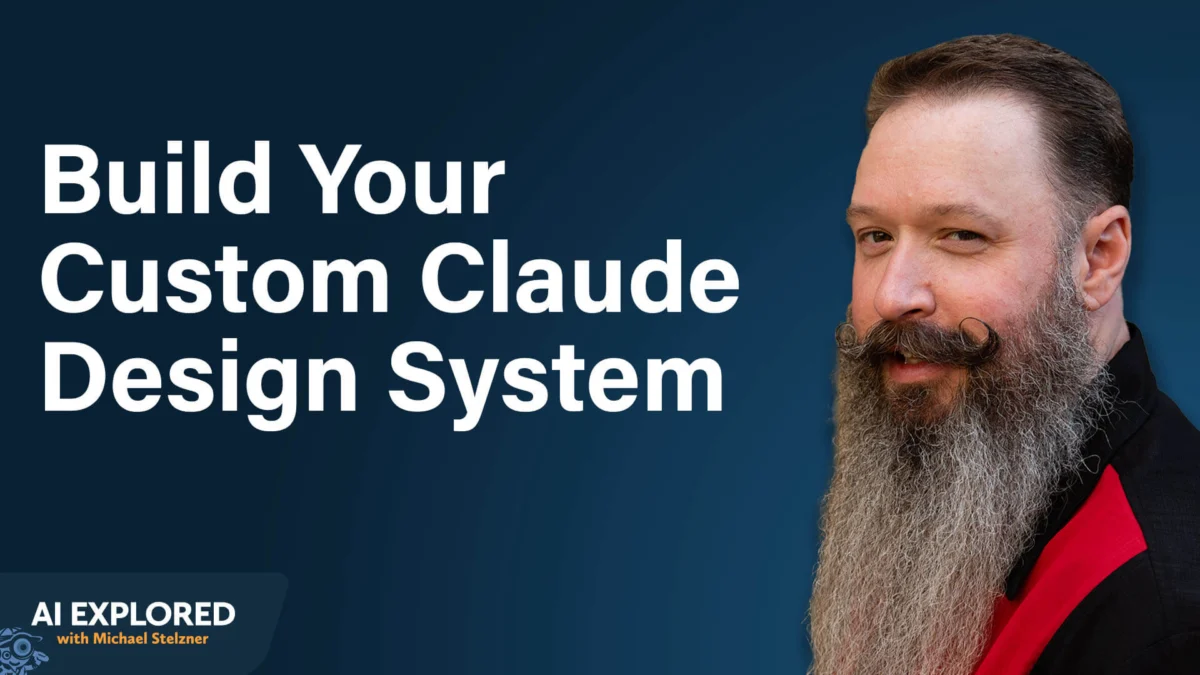
Co-created by digital strategists Jeff Sieh and Michael Stelzner, recent discussions around Claude Design highlight its utility for solopreneurs and lean marketing teams who lack access to professional designers. Rather than producing standalone graphics, the platform handles the deliberate arrangement of fonts, color palettes, and white space that transforms a cluttered page into a polished slide deck, website mock-up, or client-facing PDF.
Operating as an on-demand front-end designer, the tool can be accessed directly within claude.ai or through the desktop application, integrated seamlessly into general usage credits without separate billing meters. For small businesses trying to maintain visual consistency across multiple digital platforms, understanding how to leverage this technology has become a major focus in modern content workflows.
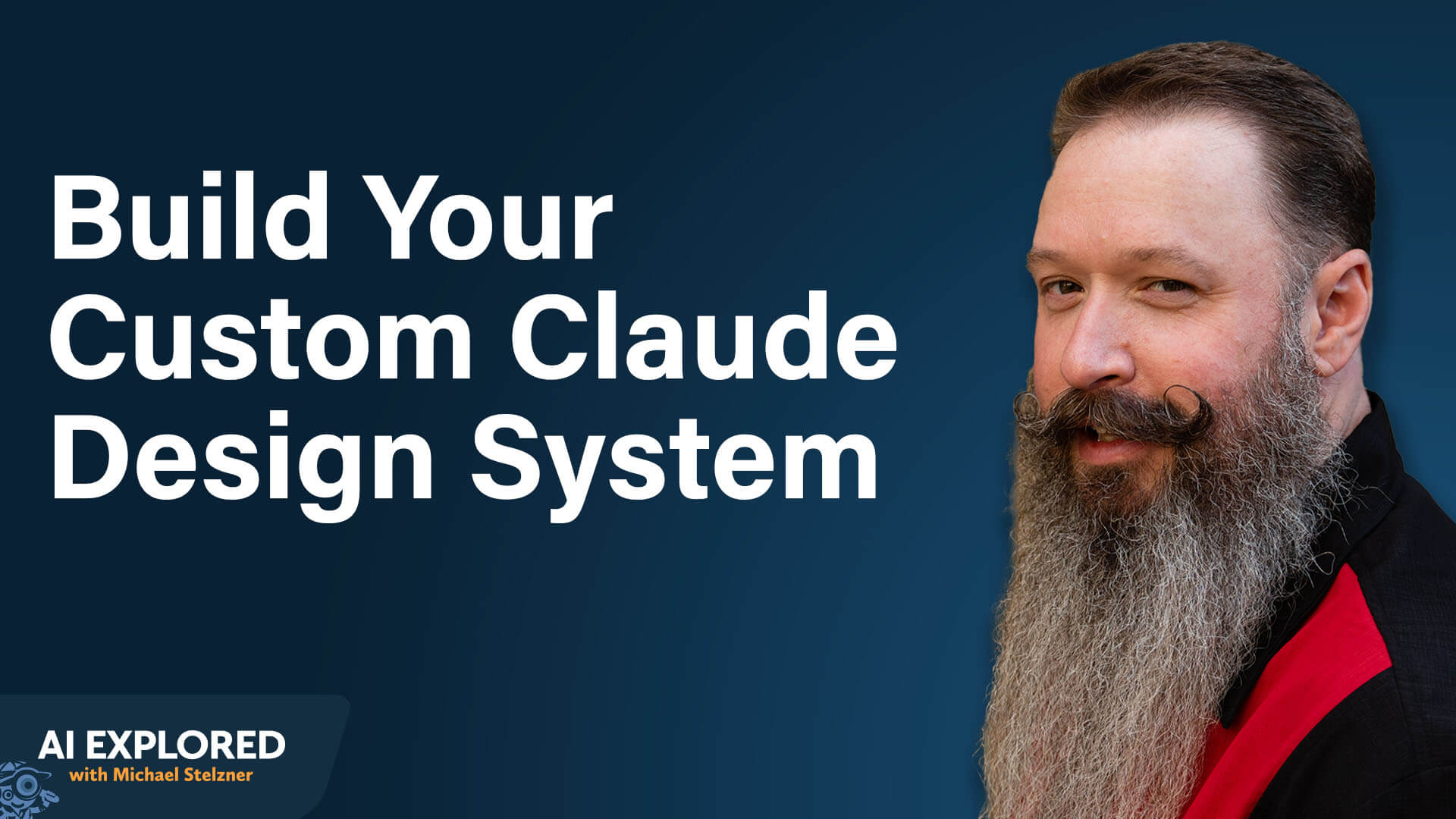
The cornerstone of working within this environment is the establishment of a comprehensive design system. Unlike basic brand kits found in traditional graphic platforms that simply store logos and default typefaces, a design system built in Claude Design acts as an operational guide for visual identity. It governs how colors, swatches, spacing rules, and layout configurations should adapt dynamically depending on the output format, whether it is a landing page, a slide presentation, or a digital document.
Stored natively as a portable Markdown file known as design.md, this system can be easily integrated into broader AI development environments. This portability ensures that visual standards remain consistent even as underlying technology stacks shift. Creators managing multiple distinct brands or client accounts can maintain separate design configurations simultaneously, applying tailored aesthetic rules to specific projects on demand.
Setting up these design systems involves feeding the platform reference materials such as logos, color swatches, website URLs, and existing brand collateral. Through conversational onboarding, the system analyzes the provided inputs and asks targeted questions regarding aesthetic preferences. Experts note that utilizing voice-to-text dictation tools during this setup phase allows creators to articulate nuanced aesthetic directions far more thoroughly than selecting preset options. Providing website URLs during this initial phase also allows the tool to parse written brand tone alongside visual identity, creating a holistic foundation for all subsequent content generation.
Interaction with the platform relies heavily on natural language processing and voice dictation. By issuing conversational instructions regarding layout adjustments or color balancing, creators can guide the platform similarly to how they would collaborate with a human designer. Requesting multiple visual iterations simultaneously—such as asking for several distinct landing page layouts at once—allows users to accelerate the refinement process. Once a layout is generated, direct click-and-drag editing permits manual positioning of text headlines and spacing adjustments without consuming additional usage credits.
The system also accommodates reusable instruction sets and templates that dictate how content is structured. Creators can deploy specialized instruction sets to ensure generated text avoids common phrasing patterns, aligning the final output with a distinct personal voice. Built-in templates serve as foundational starting points for mobile applications, slide decks, wireframes, animations, and user interfaces, though these frameworks are fully customizable through the underlying design system.
Beyond static documents, the platform is increasingly utilized for building functional web pages, software mock-ups, and complex motion graphics. By generating clean HTML, users can deploy web pages directly or hand functional prototypes off to developers. Software development teams have adopted these mock-up workflows to visualize interface updates and new features before writing any code, avoiding costly revisions later in the development cycle. Furthermore, the platform’s vector-based animation capabilities allow creators to produce high-end motion graphics rendered entirely in code, minimizing file sizes and enabling seamless integration into digital media without heavy video rendering constraints.
Because the layout platform does not natively generate photographic or illustrated artwork, it frequently pairs with external image generators like ChatGPT or Midjourney. By incorporating exact color hex codes directly from the established design system into generated prompts, creators ensure that newly created imagery matches their established brand palette before integrating the assets back into the layout.
The true operational efficiency of these design systems becomes apparent when integrated into broader automated content workflows. Industry practitioners have demonstrated advanced setups where automated pipelines process raw media—such as podcast transcripts—to produce downloadable episode companion guides, custom thumbnails, and multi-platform promotional graphics.
By connecting the design system to automated scripting environments, tools can parse long-form discussions, extract key points, and format them according to specific visual formulas. These automated sequences can assemble slide carousels complete with alternating background tones, generate platform-specific captions, and deliver finished content packages directly to team communication channels for review. Advanced integrations even extend into AI-assisted video editing environments, enabling creators to dictate motion graphics and lower-third visual elements that automatically adhere to brand standards during post-production.
For creators looking to deploy these standards across varied technical environments, the design.md file acts as a universal bridge. Export capabilities allow design systems to be shared across platforms like Gamma for slide creation, or imported into advanced coding environments to automate tasks such as YouTube thumbnail generation. As these ecosystems continue to mature, the integration of structured design frameworks into daily digital production is redefining how lean teams manage their visual branding.