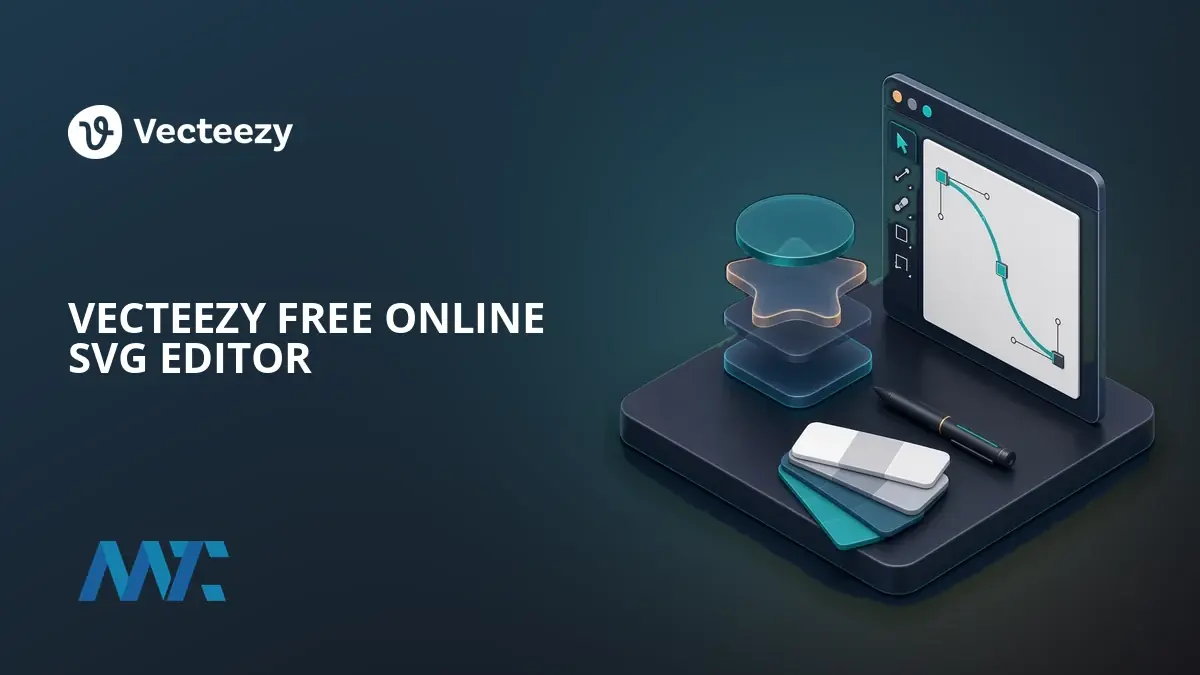
Digital marketing and content creation increasingly demand visuals that maintain pristine clarity across a vast spectrum of modern screens, ranging from ultra-high-definition desktop monitors to compact mobile devices. Scalable Vector Graphics have long met this technical requirement by utilizing lightweight XML code that resizes seamlessly without any loss of quality. Furthermore, these graphics can be dynamically styled or animated using CSS and JavaScript directly within any modern web browser.
Despite the widespread adoption of SVGs as the industry standard format for web logos, icon sets, and detailed illustrations, professionals have historically relied on expensive and complex desktop software to modify them. Addressing this barrier to entry, Vecteezy has launched the Vecteezy Editor, a free, browser-based solution designed to democratize vector graphic creation, customization, and export.
The newly highlighted tool operates entirely online, removing the need for users to download heavy, resource-intensive software packages. Marketers, small business owners, and digital designers can access the platform to start a project from a completely blank canvas, upload their own custom SVG files, or select existing assets directly from Vecteezy’s extensive content library for real-time modification.
The platform is specifically engineered to streamline workflows for professionals who frequently require rapid edits to logos, social media graphics, and website icons, but lack the time or inclination to master a steep learning curve associated with traditional design suites. By keeping the editing environment lightweight and accessible inside a standard web window, the service bridges the gap between raw vector code and user-friendly visual manipulation.
What Is the Vecteezy SVG Editor?
At its core, the Vecteezy SVG Editor functions as an intuitive online workspace where users manipulate vector paths, shapes, and colors without leaving their browser tab. The system provides immediate access to core editing capabilities, allowing teams to pull assets from a centralized repository, tweak them to align with specific brand guidelines, and prepare them for digital deployment in minutes.

The software caters directly to non-designers and busy marketing professionals who need agility. Rather than initiating a multi-step process involving file conversions, desktop application licensing, and complex rendering settings, users can load an asset into the browser window, adjust layers, modify color swatches, and immediately generate production-ready files.
Key Features of the Vecteezy SVG Editor
The editor incorporates a comprehensive suite of tools tailored for efficient graphic adjustment. Users interact with a streamlined interface featuring a central canvas, a detailed layers panel, and a robust toolbar equipped for precision vector editing.
Bezier curves, stacked vector shape layers, precise color swatches, and styling tools are readily accessible within the workspace. This layout allows for both minor adjustments—such as altering a brand color or swapping out an icon element—and more complex graphical arrangements, ensuring that users retain granular control over every individual path and node within an SVG file.
How to Edit an SVG Online With Vecteezy
The workflow within the browser-based environment is designed to be straightforward. Users begin by opening the online editor interface, where they can either initiate a new project, draw custom shapes from scratch, or import an existing vector graphic from their local machine or the Vecteezy library.
Once the graphic is loaded onto the canvas, creators can customize colors, modify strokes, and fine-tune the overall layout using the built-in layers panel. After achieving the desired visual result, the software allows users to export the final asset directly into formats optimized for web deployment or digital publishing.

Vecteezy Free vs. Pro
While the core functionality of the browser-based editor is entirely free to access and use, Vecteezy structures its broader platform around tiered subscription models that govern content access and licensing rights.
The free tier is optimized for occasional edits, personal projects, or published works that include proper attribution to the original creator. Users operating under this tier gain full access to the online editor along with a selection of free vectors and standard download capabilities.
For professional environments, the Pro tier targets marketers, creative agencies, and commercial enterprises requiring robust licensing protections. Subscribers to the Pro level unlock access to a massive library containing tens of millions of images, vectors, and videos. This tier provides unlimited royalty-free downloads, full commercial rights backed by legal coverage, exemption from attribution requirements, and an ad-free user experience.
Additionally, organizations managing multiple creatives can utilize team-oriented plans. These options consolidate billing structures and incorporate single sign-on capabilities for streamlined administration across an entire design department.
When to Use SVG
Industry standards favor vector formats over raster alternatives like PNG or JPEG when dealing with graphics that require infinite scalability and minimal file sizes. Because SVGs are fundamentally constructed from mathematical algorithms rather than fixed grids of pixels, they remain sharp and legible at any magnification level. For digital assets such as responsive web logos, interface icons, and scalable UI elements, vector files reduce page load speeds while preserving crisp visual fidelity across every device category.